Start in any folder
Run jennefer in a project and describe what you want. Continue the last conversation or pick an earlier one.
Start it in any folder. The crew reads your project, edits files and runs commands with your approval, on the model you picked in Jennefer Hub.
Type @ and point me at any file.
>Real screens from Jennefer CLI, on one RTX 4070 with a local model.
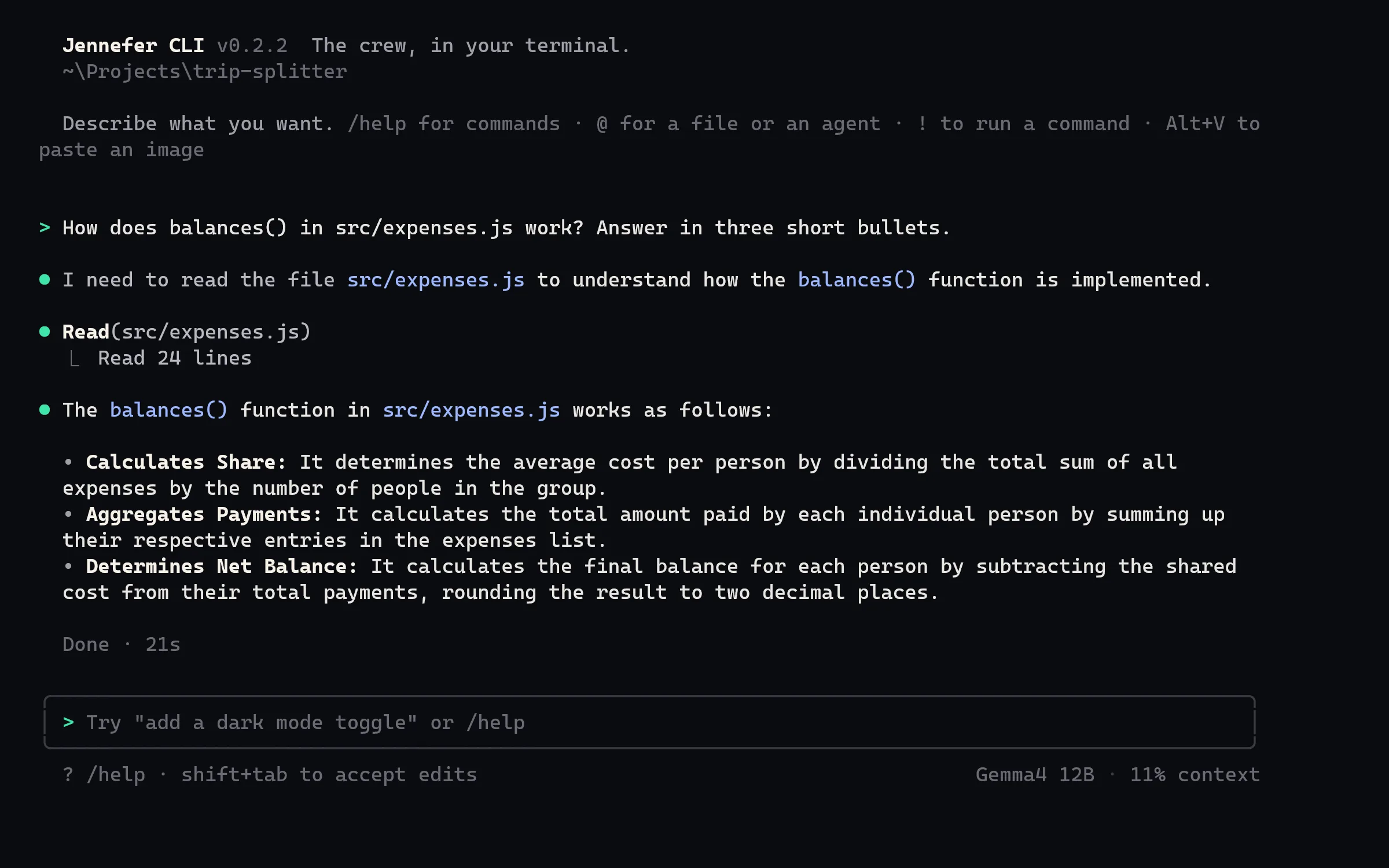
Run jennefer in a project and describe what you want. Continue the last conversation or pick an earlier one.
@ brings a file or an agent into the request, ! runs a shell command, and Alt+V pastes an image.
File edits and commands wait for your yes. Accept edits for the whole request when you trust the plan.
Start with --team: the CEO plans and the crew builds, with the team you picked in Jennefer Hub.
Run a task with --phone and answer its approvals and questions in Jennefer Mobile.
jennefer -p runs once and prints the answer. Add --yes to allow file changes and commands in a pipeline.