CLI
CLI
Jennefer CLI is the agent in your terminal. Install it, sign in, and use prompts, slash commands, model and effort, @ files, ! commands, approvals, plan mode, the team, MCP, print mode and custom commands.

On this page
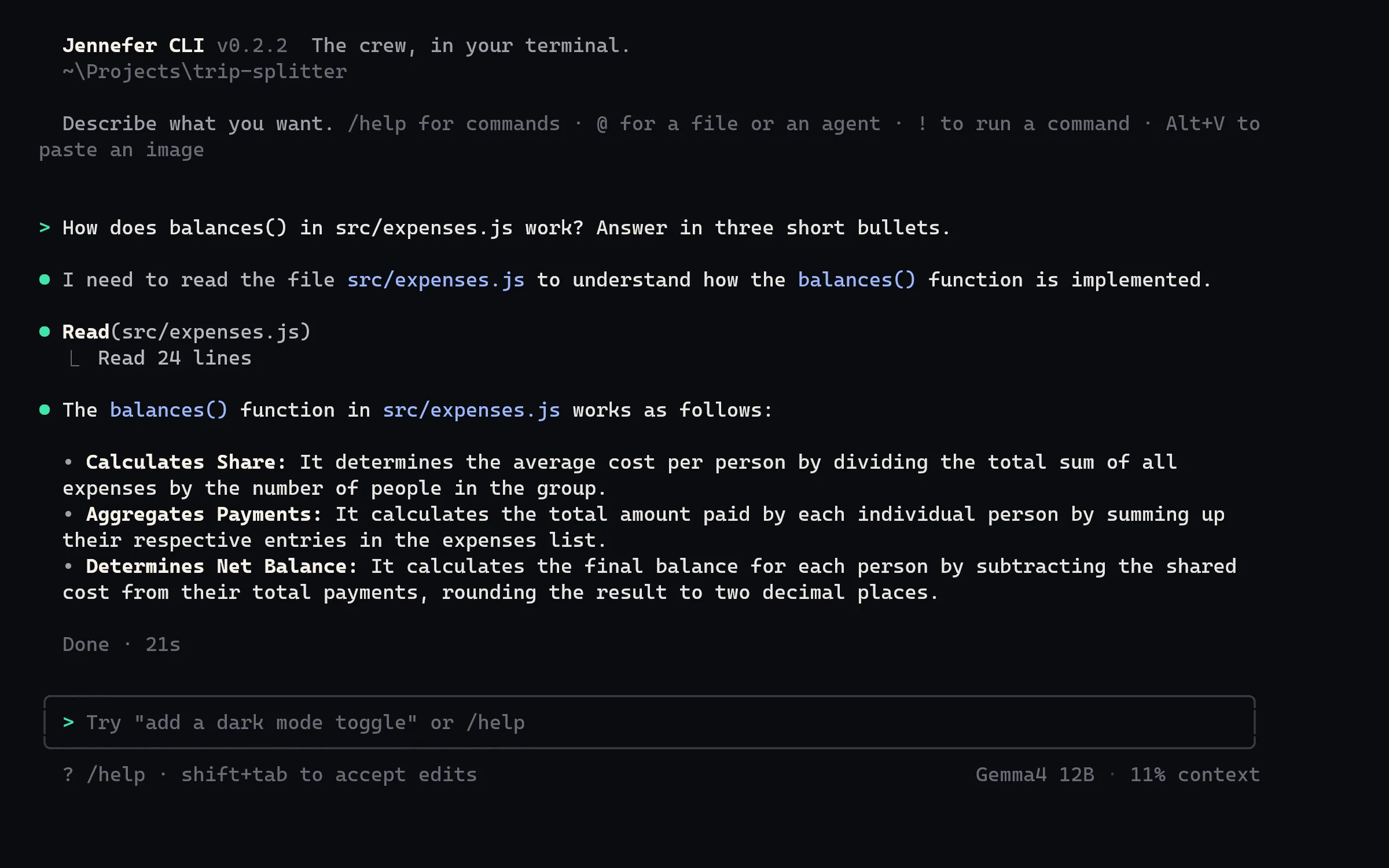
Jennefer CLI brings your agent to the terminal. Start it in any folder: it reads your project, edits files and runs commands with your approval, with your Jennefer account. Each conversation can use its own model and effort; without a pick it uses the CLI default, then the Hub default. See Model choice.
Install#
- From the Hub: install CLI on Hub > Home. It installs
jennefer.exefor your user account and adds it to your PATH. Open starts it in a new Windows Terminal window. - With npm:
npm install -g @jennefer-dev/cli. This needs Node.js 22 or newer.
Either way, the CLI needs Jennefer Hub on the computer, because it uses the Engine for the model and the sign-in. If the Engine is missing, it says Jennefer Engine is not installed. Install Jennefer Hub from jennefer.dev, then run jennefer again. The CLI starts the Engine by itself when it is asleep.
Start and sign in#
cd my-project
jennefer
The first time, type /login. Your browser opens the Jennefer sign-in. When you are signed out, the footer says signed out · /login. The CLI needs an interactive terminal; for scripts, use print mode (see below).
Command line#
| Command | What it does |
|---|---|
jennefer | Starts an interactive session in the current folder. |
jennefer "<prompt>" | Starts a session with a first request. |
-c, --continue | Continues the last conversation in this folder. |
-r, --resume | Picks an earlier conversation to resume. |
--team | Uses your agent team: the CEO plans, the crew builds. |
-p "<prompt>", --print | Print mode: answers once and exits. See below. |
-v, --version | Shows the version. |
-h, --help | Shows help. |
Slash commands#
| Command | What it does |
|---|---|
/help | Lists commands, including your custom commands. |
/new, /clear | Starts a new conversation. The current one stays in /resume. |
/resume | Goes back to an earlier conversation in this folder. |
/rename <name>, /delete | Renames or deletes this conversation. |
/context | Shows how much of the model's context is used. |
/cost | Shows the tokens and estimated cost of this conversation. Models on this computer show $0; endpoint models are estimated at list prices. |
/compact [focus] | Summarizes the conversation to free context. /compact auto on or off sets automatic compacting. |
/summarize | Shows a summary of this conversation, and can add it to JENNEFER.md or AGENTS.md. |
/undo | Undoes the file changes of the last request. |
/enhance <request> | Puts an improved version of the request in the input line. See Improve a prompt. |
/plan | Turns plan mode on or off. |
/team | Switches between Jennefer alone and your agent team. See Agent teams. |
/agents | Your team: use another team, add or remove agents, or hub to edit it in the Hub. |
/mcp | Lists your MCP servers. /mcp <name> turns one on or off for this folder, and /mcp hub opens Hub > Settings to add one. See MCP servers. |
/model | Opens a picker for this conversation's model. /model <name> picks one directly, /model default goes back to the default, /model save makes the current pick the CLI default, and /model hub opens Hub > Models. |
/effort [level] | Sets how long the model thinks in this conversation: off, low, medium, high, xhigh, max or default. On this computer, off turns thinking off and xhigh and max work like high. |
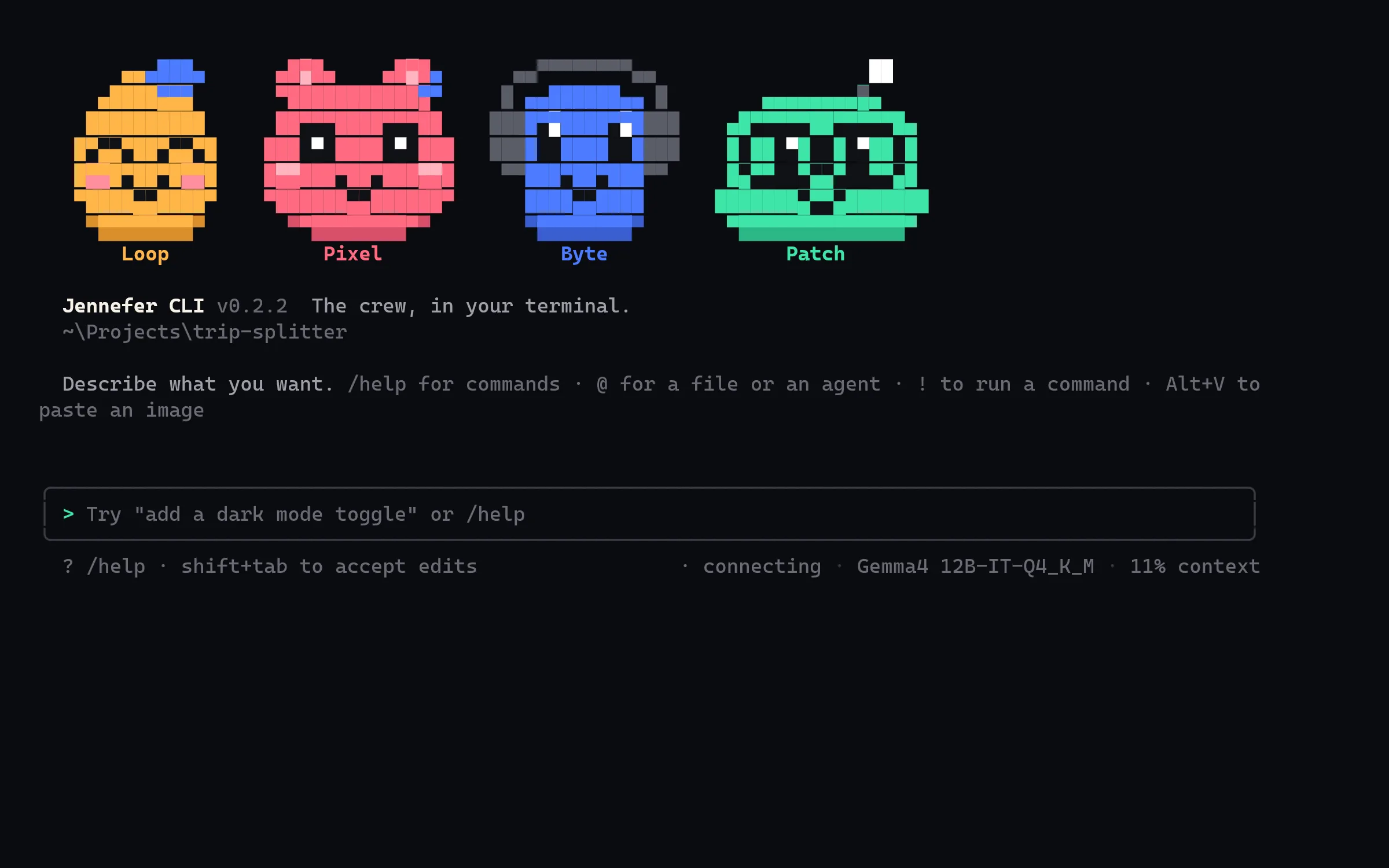
/nefer | Picks the Nefer that keeps you company: auto, random, loop, pixel, byte or patch. |
/status | Shows your account, plan, model and connection. |
/changelog | Shows what changed in the latest versions. The CLI also shows it once after an update. |
/login | Signs in through the browser. |
/exit, /quit | Quits. Typing exit, quit or :q works too. |
Shortcuts#
| Type or press | What it does |
|---|---|
@file | Points at a file. @Name at the start of a line gives the request to one agent of your team. |
!command | Runs a command yourself, without approval. The output goes to the agent. |
| Alt+E | Improves what you typed before you send it. Press it again to bring your text back. |
| Alt+V, or drop a file | Adds an image, up to 5 per request and 8 MB each. |
\ then Enter, or Ctrl+J | New line |
| Shift+Tab | Cycles between asking before edits, accepting edits, and plan mode. |
| Esc | Interrupts the agent. |
| Ctrl+C | Clears the line. Press it twice to quit. |
Approvals#
The CLI asks before it changes anything. Jennefer's servers cannot approve anything by themselves.
- File edits show a diff with Make this edit? or Create this file?. Answer Yes, Yes, and accept all edits this session (or press Shift+Tab), or No, and tell Jennefer what to do differently (Esc).
- Commands, deletes, moves and files outside the folder ask Do you want to run it? with Yes, Yes for this run, or No, and tell Jennefer what to do differently.
- Web pages you did not link and MCP tools ask first too. See Agents and the web.
- Safe build and test commands such as
npm test,npx tsc --noEmitorcargo checkrun without asking. - Commands run in PowerShell. A command is stopped after 30 minutes at most, when it stops writing output, or when you press Esc.
- A dev server started in the background reports Running at its address, and stops when the CLI exits.
/undokeeps up to 20 checkpoints for this session. It undoes file changes, not commands such as installs.
Answers from Jennefer Mobile are accepted by default. Set JENNEFER_PHONE_APPROVALS=0 to ignore them.
Plan mode#
In plan mode the agent can only read. The footer says plan mode on, and after a run the CLI reminds you that nothing was changed. Leave plan mode with Shift+Tab or /plan, then say "go" to make the changes.
One agent or the team#
By default a single agent, Jennefer, does the work. /team or --team uses the team assigned to the CLI in Hub > Agents, or the starter team.
Print mode for scripts#
jennefer -p "Summarize what changed in src/"
jennefer -p "Fix the failing test" --yes- The answer goes to standard output, and the steps go to standard error.
- File changes and commands need
--yes. Without it: File changes need --yes in print mode. --phonesends questions and approvals to Jennefer Mobile and waits for your answer there.- Exit code 2 means no model or signed out; 1 means another error.
Project notes and custom commands#
- Project notes: put instructions for the agent in
JENNEFER.md, orAGENTS.md, in your project. They are sent with every request (the first 20,000 characters). - Custom commands: a Markdown file in
.jennefer/commands/<name>.mdin your project, or in.jennefer/commandsin your user profile, becomes/<name>.$ARGUMENTSis replaced with what you type after it, and a first linedescription: …shows in/help.
Files and settings#
| Path in your user profile | What it holds |
|---|---|
.jennefer/cli/sessions | Your conversations, per folder |
.jennefer/cli/history.jsonl | Your input history |
.jennefer/cli/settings.json | Automatic compacting and your Nefer |
Set JENNEFER_NO_ANIMATION=1 to hide the moving Nefer next to the status line.
FAQ#
Which model does the CLI use?
The model picked for the conversation with /model, else the CLI default from Hub > Models > Each app, else the Hub default. The choice is saved with the conversation. If there is no Hub default, the CLI says Pick a model in Jennefer Hub > Models first. See Model choice.
Can the CLI use MCP servers?
Yes. Add them in Hub > Settings, then turn them on for a folder with /mcp <name>. Every tool call asks you first.
Does the CLI update itself?
No. The Hub updates it, or update it with npm if you installed it that way.