IDE
Settings
The IDE's three settings sections: Appearance, Agents and Privacy. The model is picked in the model chip; defaults, agent teams and MCP servers are managed in Jennefer Hub.

On this page
Open the IDE's settings with the gear in the header, or Open settings in the command palette. Settings has three sections: Appearance, Agents and Privacy. Choose Done to close.
Appearance#
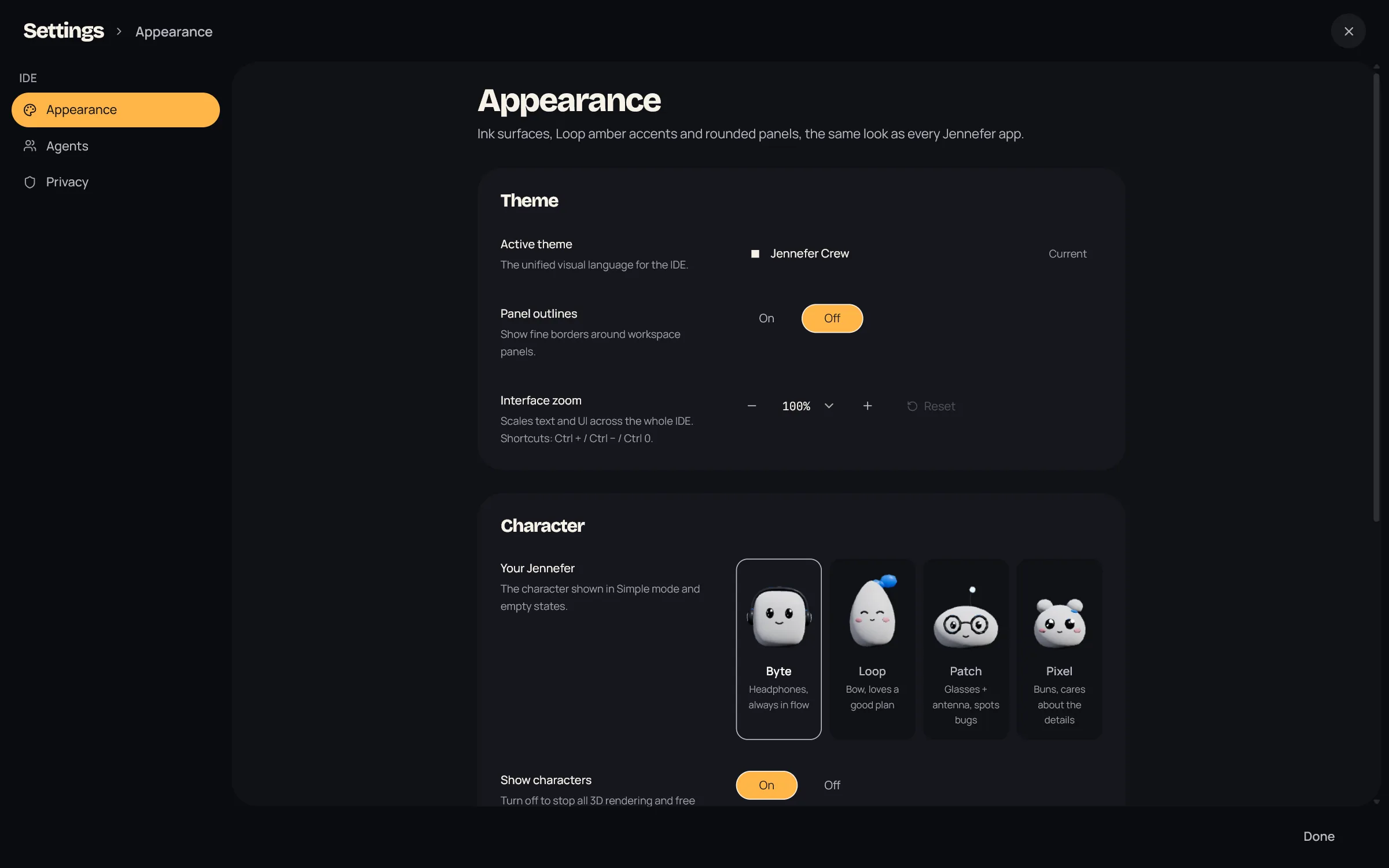
| Setting | What it does |
|---|---|
| Theme | Jennefer Crew is the only theme, the same look as every Jennefer app. |
| Panel outlines | Shows fine borders around the panels: On or Off. |
| Interface zoom | Scales text and the whole interface from 50% to 200%. Ctrl +, Ctrl − and Ctrl 0 work too. |
| Your Jennefer | The character in Simple and in empty states: Byte, Loop, Patch or Pixel. |
| Show characters | Turn off to stop all 3D rendering and free the GPU for your model. |
| Setup wizard | Run setup again runs the first-run steps: sign in, project folder, first task. |
| Allow approvals from your phone | Lets you approve commands in Jennefer Mobile. On by default. Phone approvals are marked in the chat. |
Agents#
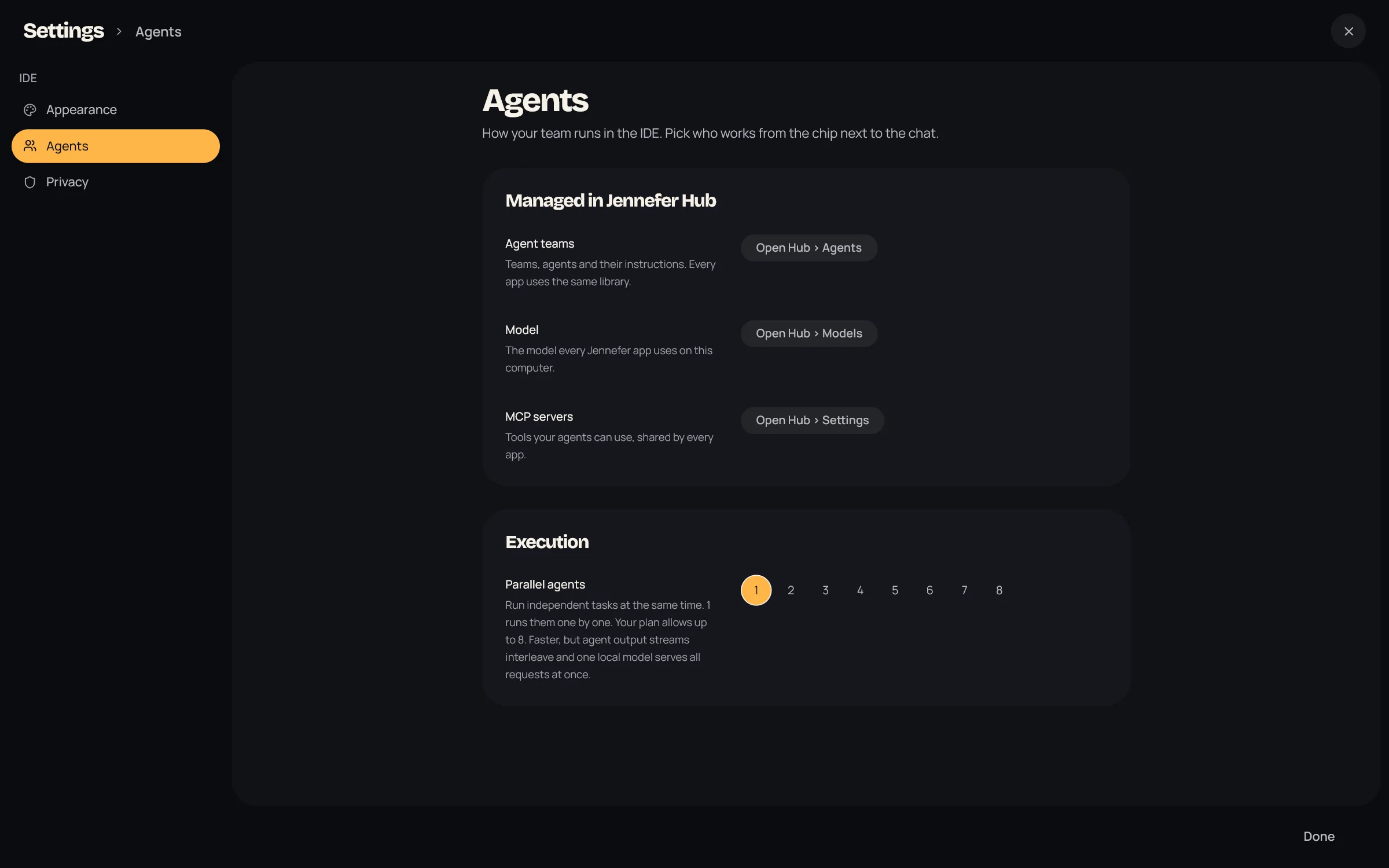
- Managed in Jennefer Hub: buttons that open Hub > Agents for agent teams, Hub > Models for the Hub default, the IDE default and local model settings, and Hub > Settings for MCP servers.
- Parallel agents: how many independent tasks of a team run may run at the same time, from 1 to 8. The default is 1, which runs them one by one. Your plan sets the most: Free 2, Code Pro and All Apps Pro 5, Team 8. Higher numbers are locked, with an Upgrade button.
Privacy#
Share anonymous usage data is off by default. When it is on, usage events are queued on this computer and sent in batches to our analytics provider. See exactly what is sent lists them. Turning it off deletes events not yet sent and gives this computer a new anonymous ID. See Privacy and security.
Language#
The interface is in English. Agents answer in the language you write in.
FAQ#
Where do I change the model?
In the model chip in the header. This window picks the model and effort for this window, and Make IDE default saves the pick for new windows. The Hub default and the context window are in Hub > Models. See Model and effort per app.
Where is the Decision System?
It was removed. When several agents could take a task, the team picks one by itself.
Can I change keyboard shortcuts?
No. See Keyboard shortcuts.